

Best Gaming VPN for Roblox and Online Games: Play with PandaVPN
 Sharon
  2026.10.21
Lag spikes, high ping, and unexpected disconnections can turn an exciting gaming session into a frustrating experience. Whether you’re exploring virtual worlds in Roblox, competing in multiplayer matches, or connecting with friends across different regions, a stable and responsive connection can make a real difference.
That’s where PandaVPN comes in. Designed for everyday browsing, streaming, and gaming, PandaVPN combines high-speed servers, intelligent connection technology, and encrypted network traffic to help you enjoy a smoother online gaming experience. It can also help you connect through different server regions when network restrictions or routing issues interfere with your gameplay.
If you’re looking for a gaming VPN for Roblox and other online games, PandaVPN offers a convenient way to explore your connection options while adding an extra layer of privacy to your gaming sessions.

Why Choose PandaVPN for Roblox and Online Gaming?
Enjoy a More Stable Gaming Connection
Few things are more frustrating than losing a match because of sudden lag or connection instability. Although a VPN cannot guarantee lower ping in every situation, connecting through a better network route may help when your usual connection suffers from inefficient routing or certain types of network interference.
With PandaVPN, you can try different server locations to find a route that works better for your gaming setup. Whether you’re playing Roblox or another multiplayer game, choosing a suitable VPN server may help improve connection consistency under the right network conditions.
High-Speed Servers with Advanced Acceleration Technology
Speed matters when you’re gaming online. Delayed inputs, slow loading, and unstable connections can interrupt gameplay, especially in fast-paced multiplayer environments.
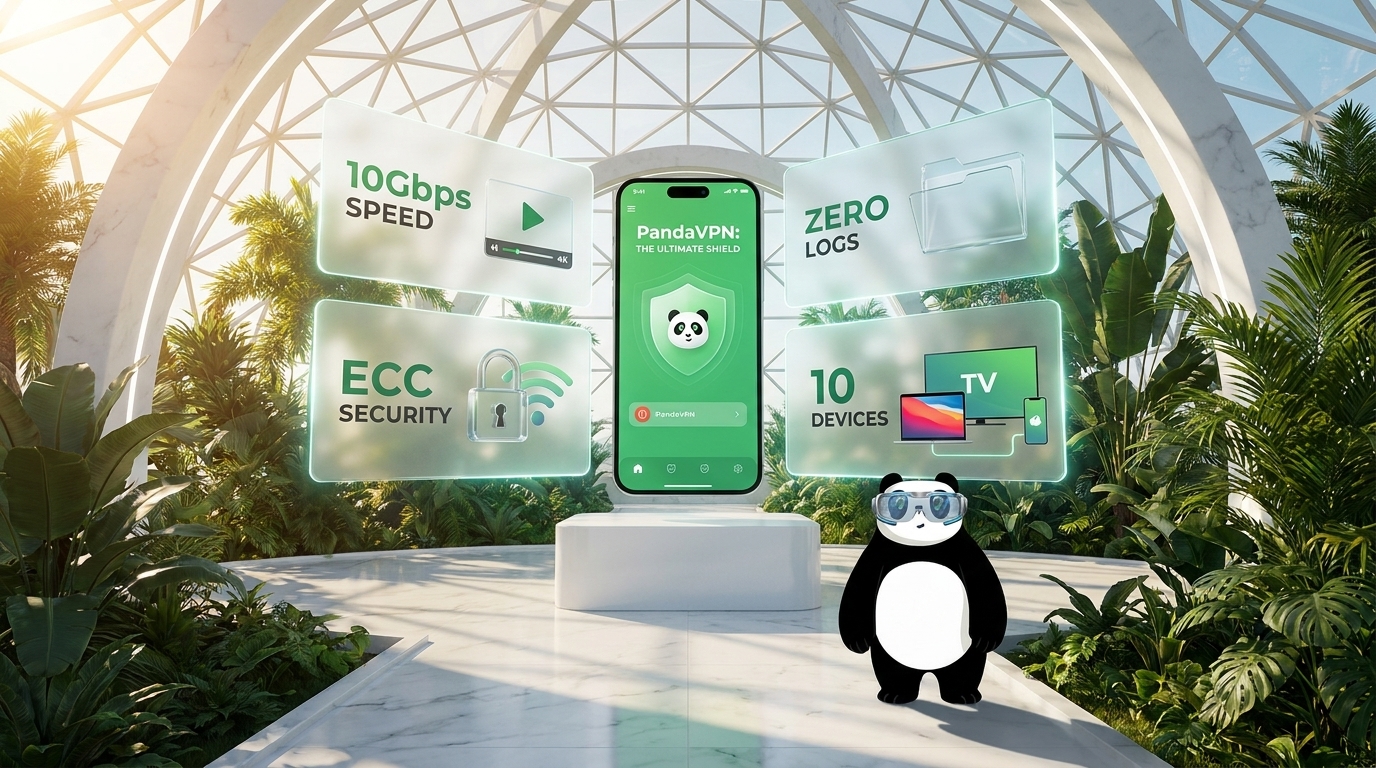
PandaVPN features high-speed 10Gbps server infrastructure, patented connection acceleration technology, and IPLC (International Private Leased Circuit) lines. These technologies are designed to support efficient data transmission and reliable connectivity across different network environments.
By testing available server locations and selecting an appropriate connection, gamers may be able to find a more suitable route for their favorite games. Actual performance will depend on factors such as your internet provider, physical distance from the server, network congestion, and the game’s own server infrastructure.
Game Without Worrying About Data Caps
Long gaming sessions, frequent updates, and downloading new games can consume considerable bandwidth. A VPN with unlimited bandwidth can make it easier to stay connected without worrying about a VPN-imposed data allowance.
PandaVPN offers unlimited bandwidth, allowing you to browse, play online, and enjoy other internet activities without a monthly VPN data cap. You can switch between gaming and everyday online tasks without having to constantly monitor your VPN data usage.
Keep in mind that your internet plan and the game platform’s own requirements may still affect your overall experience.
Explore a Global Network of Servers
Connecting to a distant game server can sometimes introduce unnecessary latency, while regional routing restrictions may make certain connections less convenient.
PandaVPN provides access to more than 6,000 servers across 229 locations in 101 countries, giving users a broad range of connection options. You can experiment with different server regions to find a suitable route for your location, network conditions, and gaming preferences.
A VPN may also help you establish an encrypted connection when accessing the internet on networks with restrictions. However, it does not guarantee access to every game, server, or region, and individual games may impose their own VPN-related restrictions.
Protect Your Privacy While Gaming Online
Gaming security involves more than protecting your in-game progress. Your connection may also expose information that you would prefer to keep private, particularly when you’re using shared networks or public Wi-Fi.
ECC Encryption for an Extra Layer of Security
When gaming on public Wi-Fi at a café, hotel, airport, or other shared location, an encrypted VPN connection can help protect your internet traffic from local network snooping.
PandaVPN uses elliptic-curve cryptography (ECC) as part of its security approach. VPN encryption helps protect data traveling through the encrypted tunnel, reducing the risk of other people on the same network intercepting readable traffic.
This additional layer of protection can be useful when logging into gaming platforms, browsing gaming communities, or carrying out other online activities. However, a VPN cannot eliminate every security risk, so you should also use strong, unique passwords and enable two-factor authentication whenever available.
A No-Logs Approach to Online Privacy
Your online privacy matters whether you’re gaming, browsing websites, or chatting with friends. A VPN can help protect your network traffic and mask your public IP address from the websites and services you access, subject to the VPN’s configuration and the connections involved.
PandaVPN states that it follows a strict No-Logs policy, designed to protect users’ privacy by not recording their browsing or gaming activities. This privacy-focused approach is intended to reduce the amount of information associated with your online sessions.
For the most complete understanding of any VPN’s privacy protections, review its current privacy policy and the specific data practices it describes.
Protect Multiple Devices with One Account
Gamers often switch between a desktop PC, laptop, smartphone, and other connected devices. A VPN that supports multiple platforms makes it easier to maintain consistent protection across your everyday setup.
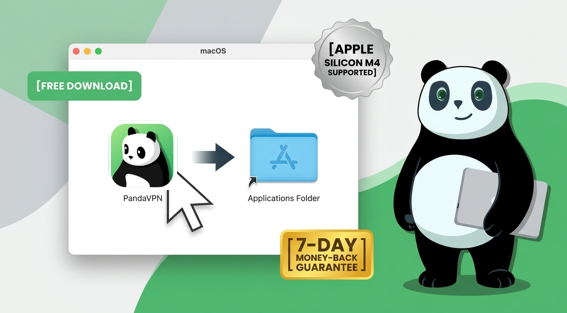
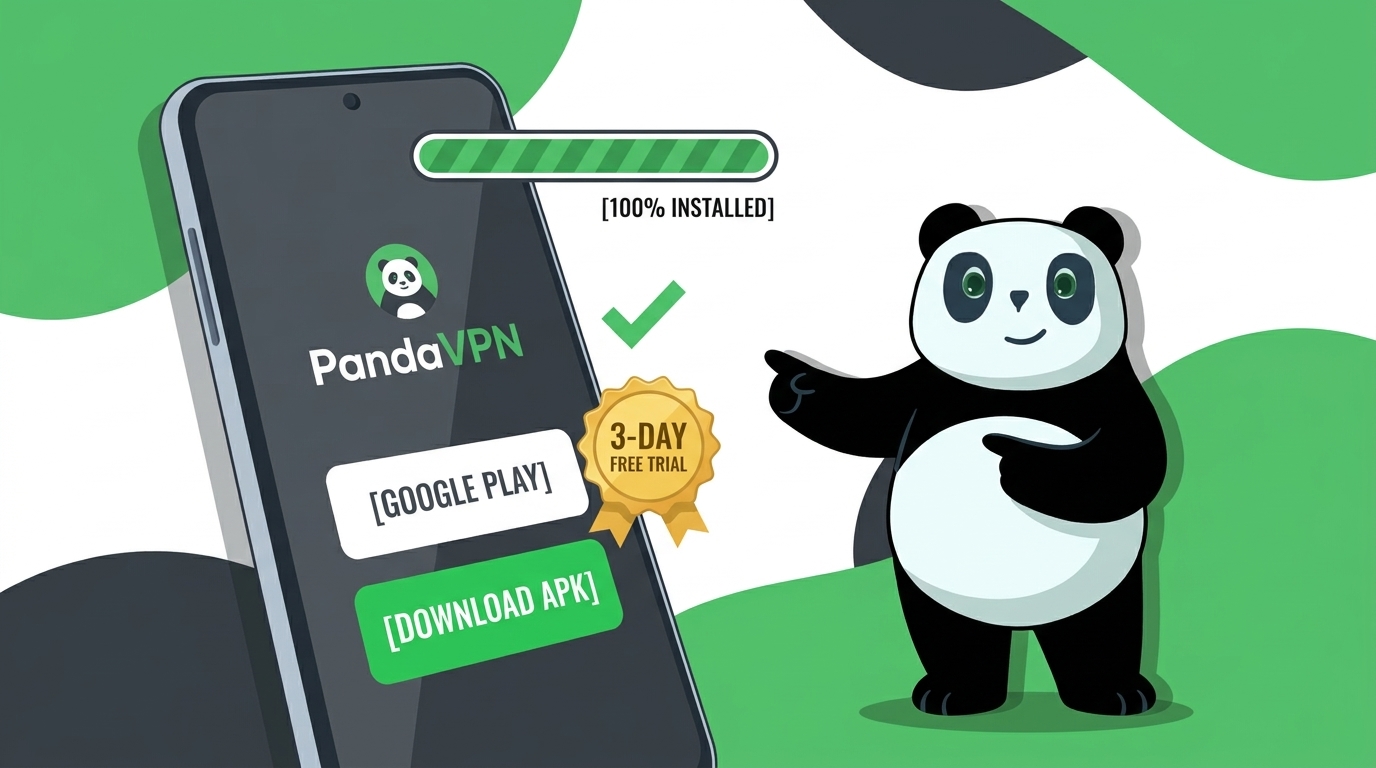
PandaVPN supports Windows, macOS, iOS, Android, Linux, Apple TV, and Android TV. According to the offer described here, one account supports up to 10 simultaneous device connections, making it convenient for users who want VPN protection on several compatible devices.
Whether you’re gaming on a computer, browsing on your phone, or streaming entertainment on your TV, you can choose the supported PandaVPN app that matches your device.
How to Use a VPN for Roblox and Other Games
Getting started with a gaming VPN is straightforward. First, visit the official PandaVPN website and download the version compatible with your device. Install the application, launch it, and sign in to your account.
Next, select a VPN server location that makes sense for your network and gaming needs. If you’re trying to improve connection stability, begin with a nearby server and compare the results with your normal connection. If you need to connect through another region, test an appropriate server while keeping latency and connection stability in mind.
Once connected, launch Roblox or your preferred online game and see how it performs. You can experiment with different server locations to compare ping, loading times, and stability. If the VPN makes your connection slower, try another server or disconnect to compare performance.
Tip: A VPN is not a guaranteed solution for every gaming problem. If you’re experiencing persistent lag, also check your Wi-Fi signal, background downloads, router performance, and the game’s server status. Connecting to a distant VPN server may increase ping rather than reduce it.
Get More from Your Gaming Setup with PandaVPN
A reliable gaming experience depends on more than raw internet speed. Connection routing, network stability, privacy, and device compatibility can all influence how you play.
With high-speed server infrastructure, patented acceleration technology, IPLC lines, unlimited bandwidth, and a global server network, PandaVPN offers gamers another option for managing their internet connections. Its encryption and multi-platform support also make it useful beyond gaming, including everyday browsing and streaming.
If you’re looking for a VPN for Roblox or other online games, PandaVPN is worth considering as part of your gaming setup. Test different server locations, compare your connection performance, and choose the configuration that best suits your needs.
Special PandaVPN Offer: Get 12 Months + 12 Months Free
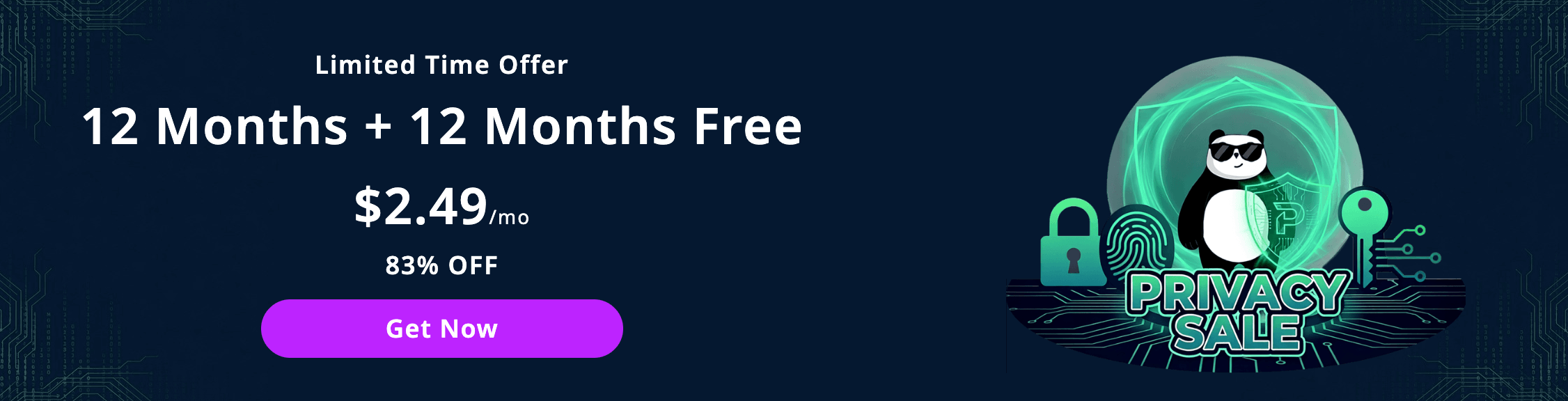
Ready to explore a different way to connect? Take advantage of the advertised 12 Months + 12 Months Free promotion for $2.49 per month, with a stated discount of 83%.
The offer also includes a money-back guarantee, giving eligible customers an opportunity to evaluate the service under the applicable refund terms. Before purchasing, check the official website for the current price, billing conditions, promotion availability, and refund policy.
Don’t let connection issues dictate your gaming experience. Explore the features, find the right setup for your devices, and see whether PandaVPN meets your needs.
Get PandaVPN Now and take the next step toward a more flexible online gaming experience.

Related Posts
Featured Posts